Today-first planning
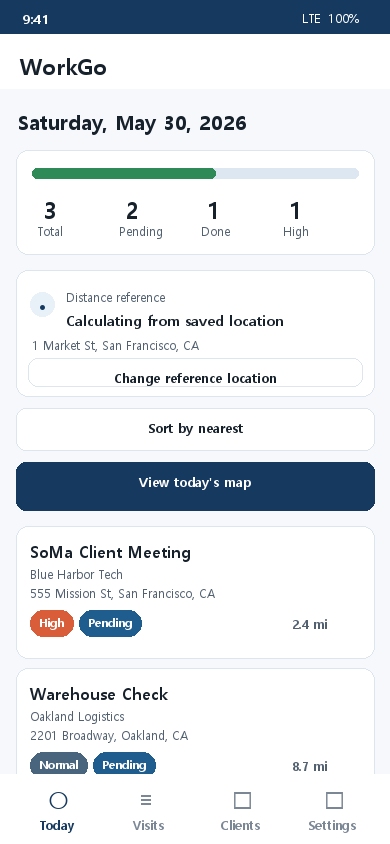
See today’s visit count, status, priority, and distance context before you start moving.
 WorkGo
Field Visit Planner
WorkGo keeps visits, clients, priorities, and location context in one lightweight workflow. Use it for daily route planning, client follow-ups, and map-assisted field work.
What WorkGo Does
WorkGo is built for repeated field work: checking today’s visits, adding new stops quickly, keeping client history, and understanding what should happen next.
See today’s visit count, status, priority, and distance context before you start moving.
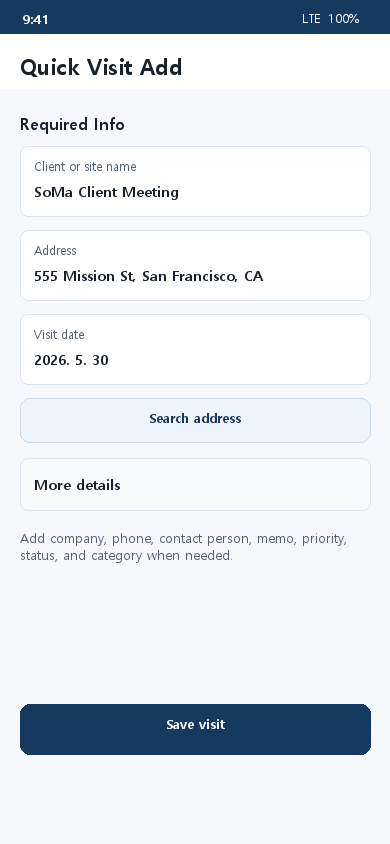
Add a visit with only the essentials, then expand details when you need more context.
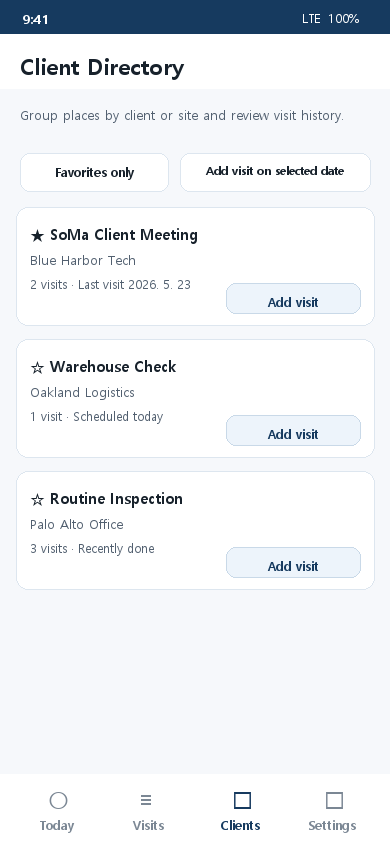
Group places by client or site and review visit history without digging through notes.
Use basic features without a key, or connect Google Maps API for richer map convenience.
Workflow
Setup Guide
The guide explains how to create a Google Maps API key, enable the required APIs, and test the key inside WorkGo.
Open API connection guide